Lesson 13.2
Claim your child’s account
Download the app, verify, claim, then add each kid. About ten minutes. 5 min read
The big ideaSetting up is quick: download the official app, prove who you are, claim the account, then add each of your other kids.
You don’t open a Trump Account at a bank. You claim it in the official Trump Accounts app, or on the web at trumpaccount.com. Plan on about ten minutes for the first child and a couple more for each one after.
Before you start
- Your child’s full legal name, birth date, address and Social Security number.
- Your own Social Security number (or other taxpayer ID).
- Proof that you’re the parent or guardian, if the app asks.
- Names, numbers and birth dates must match Social Security’s records exactly. A nickname or a typo causes delays.
The steps
- Download the Trump Accounts app from the App Store or Google Play. Robinhood runs the accounts behind the scenes, but you don’t need a Robinhood account.
- Create your login and verify your identity and your relationship to the child.
- Check your child’s details, then claim and activate the account by accepting the agreement.
- To add another child, open the account switcher at the top, choose Add child and repeat. Every child shows under your one login.
- If your child was born in 2025–2028, elect the $1,000 on IRS Form 4547. You can do it in the app, on the website or in your IRS online account. It is not deposited unless you ask.
- The $250 Dell gift needs no form. If your child qualifies, it’s deposited after the account is claimed.
Good to know
- Only one adult manages each account. If two try, it goes to whoever finishes first, so agree on who before you start.
- There’s no deadline. If a child turns 18 before anyone claims it, they can claim it themselves.
- Link a bank only if you plan to add money.
Watch for scams. Use only the official app, TrumpAccounts.gov or trumpaccount.com. Never give account details to someone who calls, texts or emails you first. The official help line is 866-872-4547.
Key notes
- Claim the account in the official Trump Accounts app or at trumpaccount.com.
- Have Social Security numbers ready, and make sure names and birth dates match Social Security’s records.
- Add each child from the account switcher; they all sit under one login.
- The $1,000 must be elected on Form 4547. The $250 gift needs no form.
- Only use official sites and the official app.
A steward’s view
Taking a few minutes to claim what’s been set aside for your child is a small act of faithfulness.
Do it in the app
Add each child’s Trump Account here too
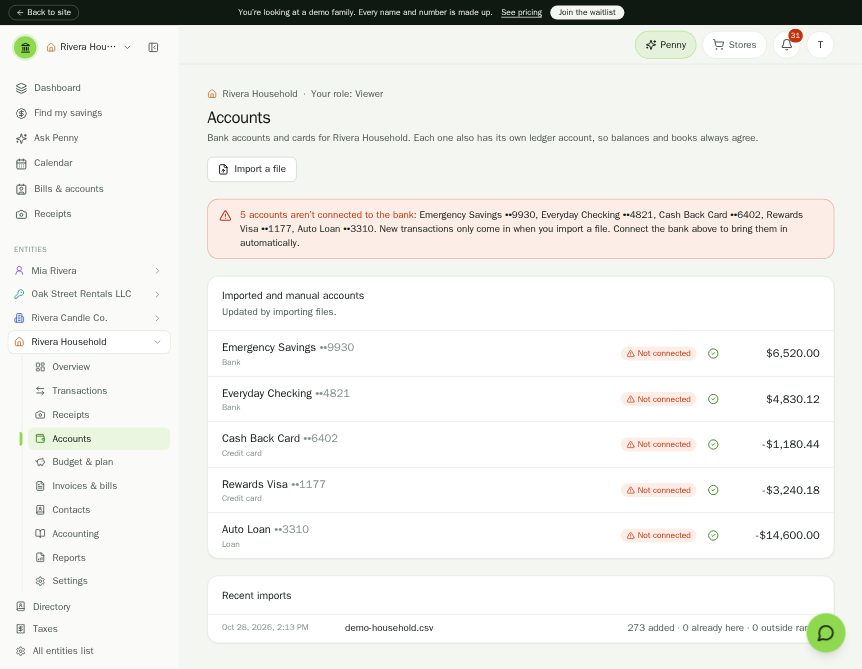
- 1Open the child’s entity and go to Accounts.
- 2Under “Add an account by hand”, name it Trump Account, choose Investment as the type and enter the balance shown in the Trump Accounts app.
- 3Repeat for each child. Each account now counts toward that child’s net worth and the family Dashboard.
Quick quiz
4 questions
Go deeper
- Trump Accounts app support centerStep-by-step help for claiming, adding children and linking a bank.
- IRS: Instructions for Form 4547The form used to elect the $1,000 and to open an account.
Track this automatically in Stackyard
Connect your accounts once and Penny watches for this every time your banks sync.
For education only; not financial, tax or legal advice. Store rules, rates and tax figures change; check the source before you act.