Lesson 6.2
Autopay, the right way
Autopay the minimum or the full amount, with a cushion so it never overdrafts. 5 min read
The big ideaAutopay means you never forget a bill, as long as the money is always there when it runs.
Autopay lets a company take each payment from your account on the due date. Set up well, it ends late fees for good. Set up badly, it can cause the overdraft you were trying to avoid.
Which amount to autopay
- Fixed bills (mortgage or rent, car payment, insurance): autopay the full amount.
- Credit cards: autopay the full statement balance if you can, so you pay no interest. If not, autopay at least the minimum as a safety net, and pay more by hand.
- Bills that change (electric, water): autopay works, but look at each bill before it runs.
Keep a cushion
A cushion is a small amount you leave in checking that you treat as zero. If a bill comes in higher than usual, the cushion covers it instead of an overdraft fee.
Example · The Rivera family
Their electric bill is usually about $140. In July the air conditioning pushed it to $260. Because they keep a $500 cushion in checking, the extra $120 was covered and nothing bounced.
- Line up autopay dates with paydays, so money arrives before bills leave (next lesson).
- Turn on a low-balance alert, so you hear about a problem before a bill does.
- Check autopay after any card or bank change: an expired card can quietly stop a payment.
A payment usually isn’t reported to the credit bureaus as late until it’s 30 days past due, but a late fee can come much sooner. If you miss one, pay it as soon as you notice.
Key notes
- Autopay fixed bills in full; autopay at least the card minimum as a safety net.
- Look at changing bills before they run.
- Keep a cushion in checking that you treat as zero.
- Use a low-balance alert, and recheck autopay after any card change.
A steward’s view
Paying on time is keeping your word. Autopay helps you keep it even in a busy week.
Do it in the app
See which bills aren’t on autopay
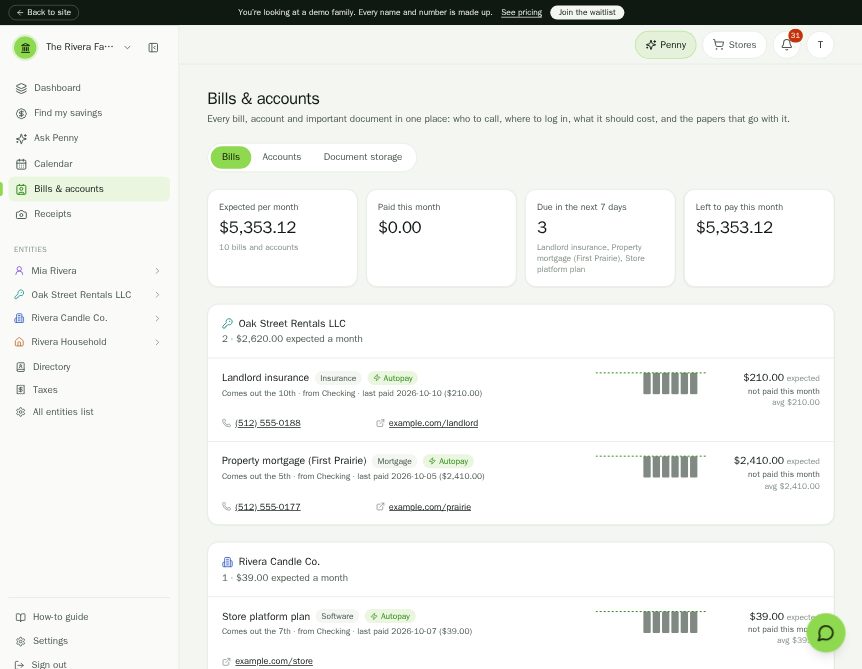
- 1Open Bills and tap Payment history on a bill. Bills not on autopay show a reminder with Ask Penny how.
- 2Tap Ask Penny how and Penny opens with the steps to set autopay up for that bill.
- 3Open the bell (Alerts) → Alert settings and set a low-balance amount, such as your cushion.
Quick quiz
3 questions
Go deeper
- CFPB: Bank accounts and servicesFree government help on overdraft, and on stopping automatic payments.
Track this automatically in Stackyard
Connect your accounts once and Penny watches for this every time your banks sync.
For education only; not financial, tax or legal advice. Store rules, rates and tax figures change; check the source before you act.