Switching from another app
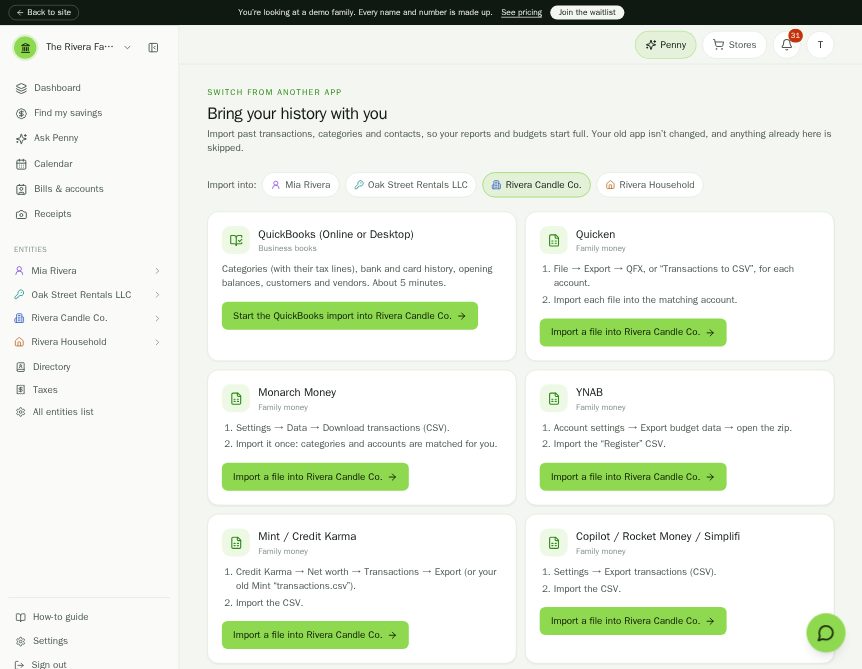
Bring your history from QuickBooks, Quicken, Monarch, YNAB, Mint, Copilot, Xero and others.
Where it is in the app
Settings → Import from another app, the Import from another app button at the top of any entity’s Accounts page, or the import task on your setup checklist.
How it works
- 1Choose which entity to import into with the “Import into” buttons.
- 2Find your old app and follow its two export steps.
- 3Click “Import a file”, upload the export and check the column matching. Anything already here is skipped, so it’s safe to run again.
Want this for your family?
Hold my spot, free