Ask Penny (your AI helper)
Ask questions about your own money, or have Penny make changes for you, in plain English.
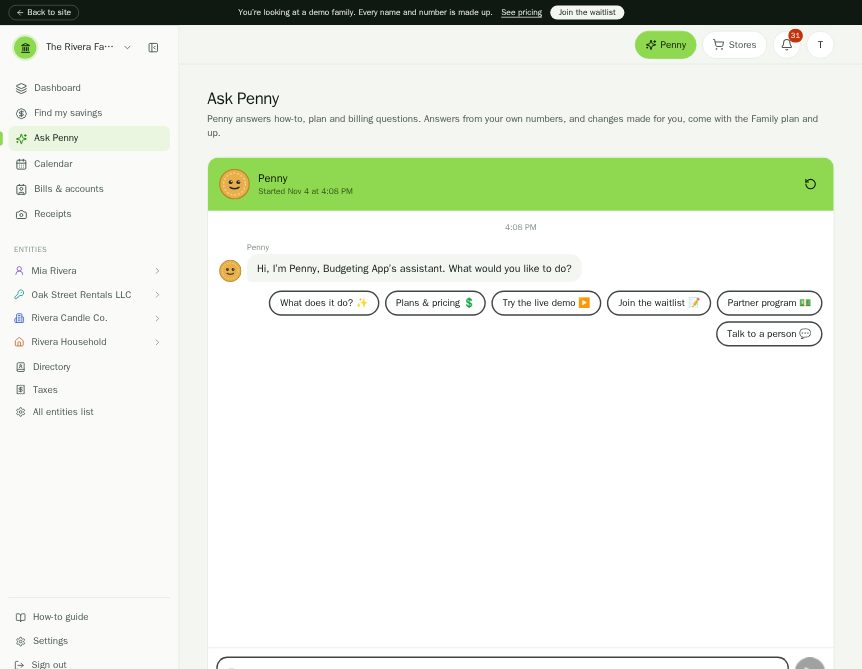
Where it is in the app
Sidebar → Ask Penny for full screen, or the chat bubble in the bottom-right corner of any page.
How it works
- 1Ask things like “What did we spend on groceries last month?”, “What bills are due this week?” or “How is Rivera Candle Co. doing this year?”
- 2Ask her to do things: “add a $40 budget for coffee”, “make a rule so Shell goes to Gas”, “add a reminder to renew the car registration”. She shows each change on a card first; nothing changes until you tap Confirm (Cancel leaves everything as it was).
- 3Ask “which card should I use for groceries?” (from the rewards you entered in Find my savings → Credit cards) or “any deals for me?”.
- 4Ask how-to questions too (“where do I connect a bank?”). She links you to the right page or guide.
- 5Ask for a report: “profit by month this year for Rivera Candle Co.” or “shipping costs by quarter”. She answers with a table from the books, plus links to the full report and the transactions. There’s also an “Ask Penny for a report” box on each entity’s Reports page.
Want this for your family?
Hold my spot, free